CHEAT CODE FOR FIGMA
As part of my ongoing efforts to support designers in leveling up their skills, I led a hands-on Figma workshop at UX Sofia conference focused on unlocking the platform’s most powerful features through practical, collaborative learning.


Constraints and Auto Layout
Teaching how to create responsive, flexible layouts that adapt seamlessly across screen sizes.


Component Library
Demonstrating how to build and manage reusable components to maintain consistency and efficiency in design systems.


Workflow Optimization
Sharing my favorite shortcuts and time-saving tips to help streamline daily design tasks.


Custom Pins
To encourage teamwork and make the session more engaging, I designed and prepared custom pins featuring different pixelated “pets,” which participants received as gifts. Participants were divided into five teams based on the pins they received at the start of the workshop.


Customizable Figma component
Each participant created their own avatar by selecting gender, clothing and accessories. To make this possible, I built a customizable Figma component with all of these elements as editable properties, allowing participants to easily modify and assemble their avatars.


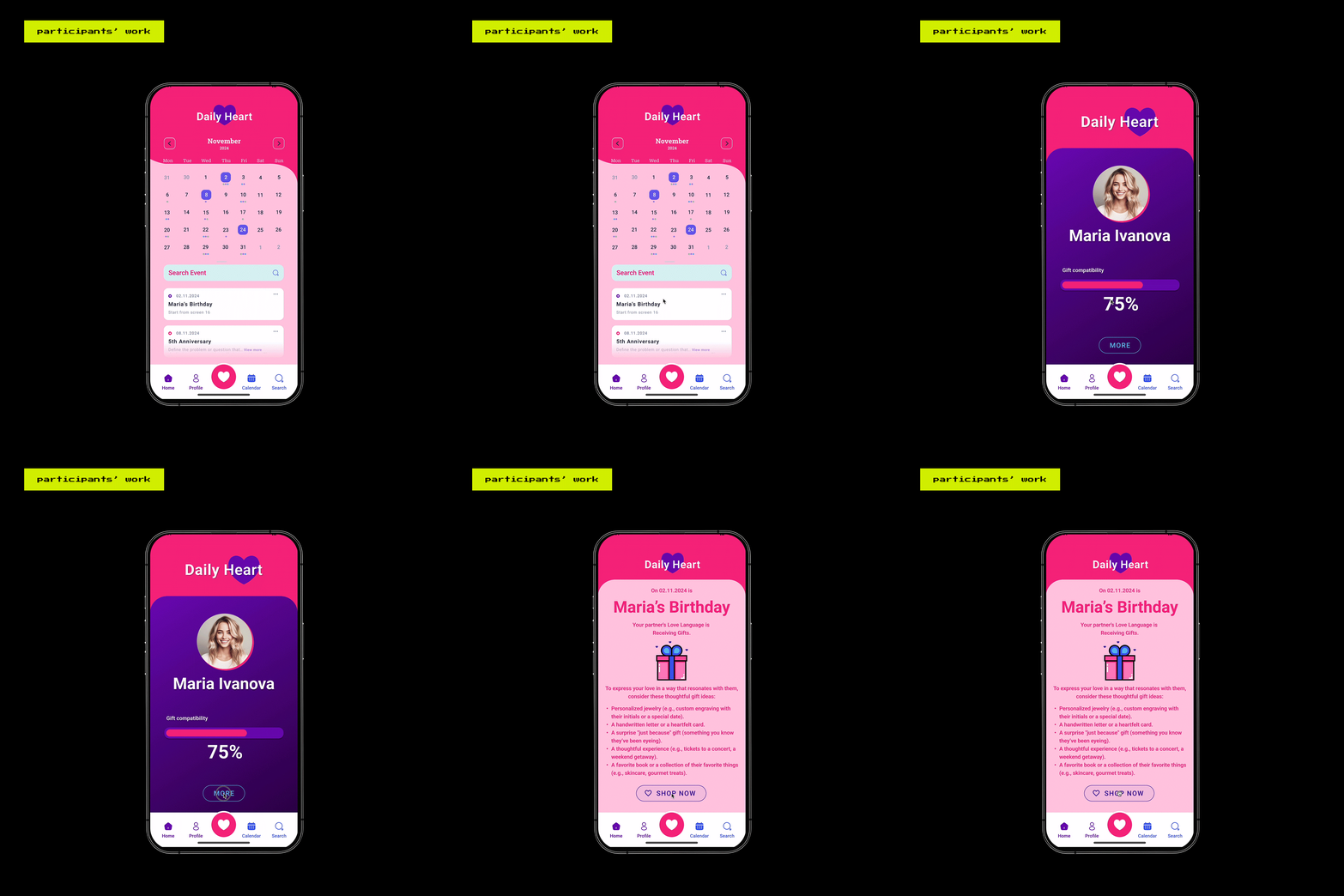
Participants' work
Each participant’s avatar pet determined their team, with each group assigned a unique app topic to design around. Teams built shared design systems from scratch, defining color variables, typography styles, and core UI elements, then applied these foundations to create apps aligned with their assigned topics.


Team Presentations
The workshop culminated with team presentations, where participants showcased their designs and reflected on how they applied Figma's features in creative and efficient ways.


